Make room for organised work
Build a folder structure that matches how your business runs, by project, customer or department, so everyone looks in the same place.
Learn more →
Briefs, working files and deliverables in one folder everyone can reach, instead of spread across inboxes and laptops.
Get started free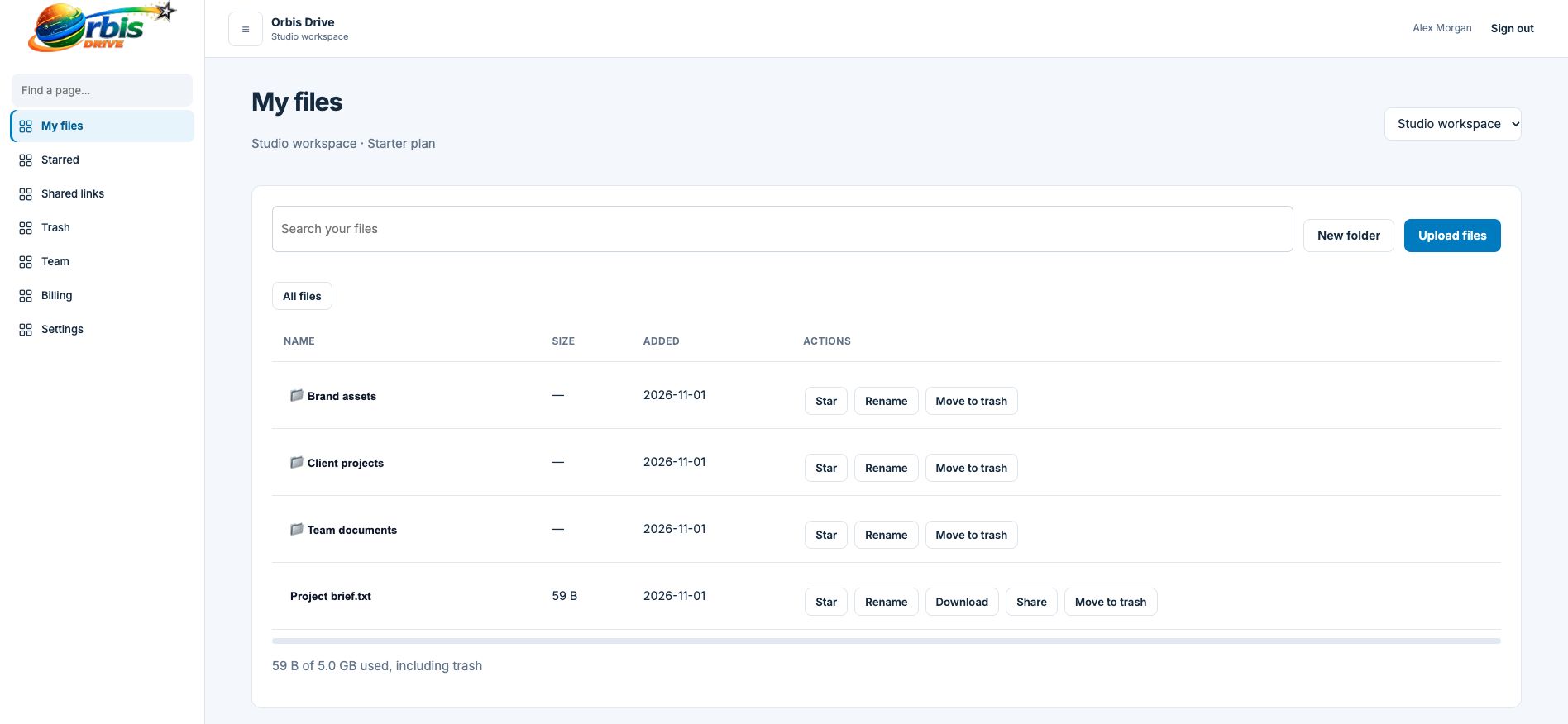


















Most projects begin tidily and then sprawl. The brief is in one email thread, the latest draft is on someone's desktop and the final version went to the client from a phone. When someone asks for the current file, three people give three different answers.
Register, name the workspace and invite the people working on your projects.
Use the same subfolders every time, such as Brief, Working, Final and Admin.
Add files to the right folder as they are created, rather than saving a batch for later.
Send the deliverable with an expiring link so the client gets just that file.
Revoke old links and delete drafts you no longer need. Trash keeps them for 30 days just in case.
Build a folder structure that matches how your business runs, by project, customer or department, so everyone looks in the same place.
Learn more →Send a link instead of an attachment. Choose how long it lasts, add a password if you need one, and revoke it when the job is done.
Learn more →Type part of a filename and see matches from across your workspace, wherever in the folder structure they happen to sit.
Learn more →Keep it short and consistent. A few standard subfolders used on every project beat an elaborate structure that nobody follows.
Not unless you invite them. Use sharing links to send individual files, keeping your working documents private.
Nothing. Free includes 5 GB and every tool. Paid plans start at £2.99 a month for 100 GB when you need more space.