Share a file. Keep control.
Send a link instead of an attachment. Choose how long it lasts, add a password if you need one, and revoke it when the job is done.
Learn more →
Download any file in your workspace from a modern browser. Access is checked first, then a short-lived secure link delivers the file.
Get started free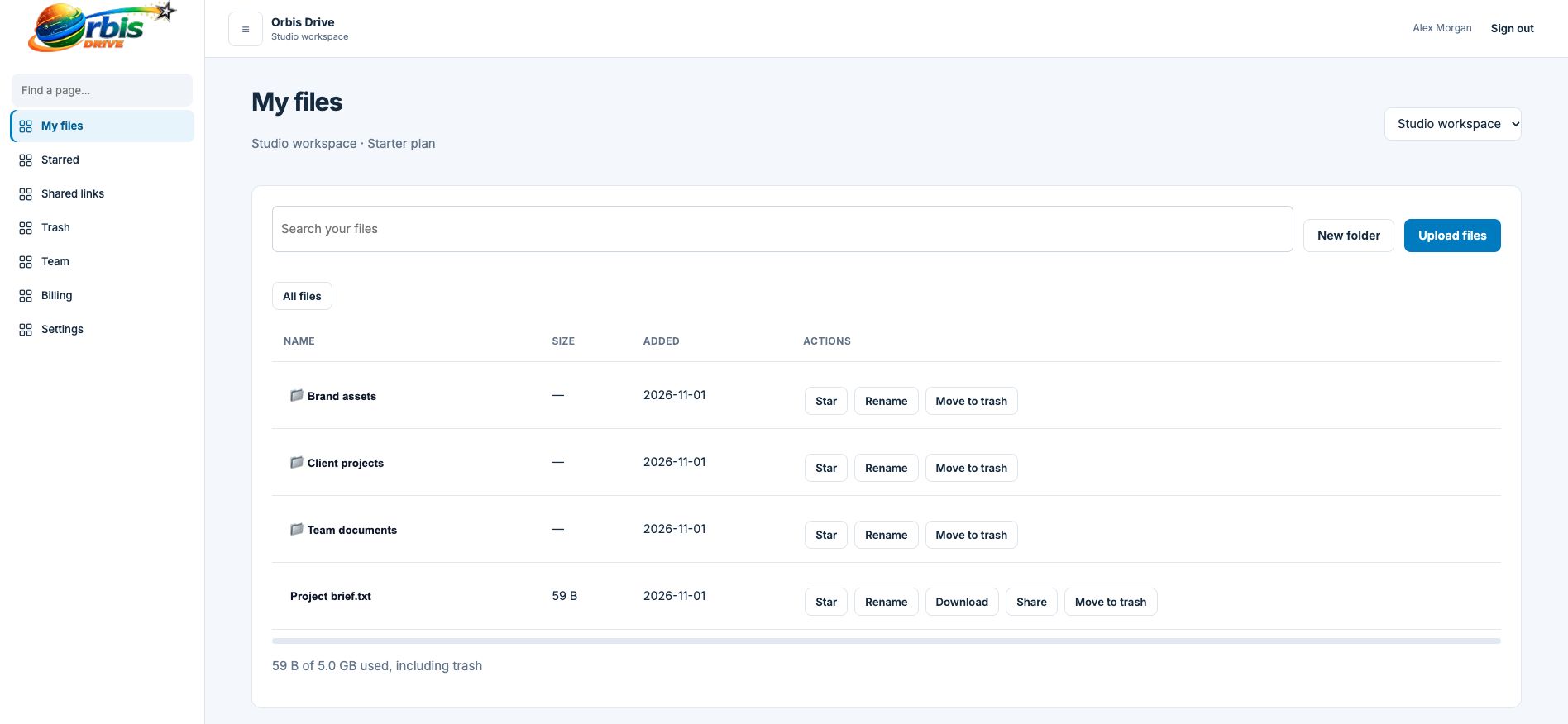


















Storage only helps if files come back out quickly and safely. Each Orbis Drive download is authorised against your workspace membership at the moment you ask for it, so there are no permanent public addresses for your documents.
Open its folder, use search, or go to your Starred page.
We confirm that you are signed in and belong to the workspace that holds the file.
A temporary link valid for 15 minutes delivers the file with its original name.
Not currently. Files are downloaded individually.
The current release does not include in-browser previews. Clicking download saves the file to your device.
The link stops working after 15 minutes. Treat it as private while it is live. Use a sharing link when you mean to send a file to someone else.
Send a link instead of an attachment. Choose how long it lasts, add a password if you need one, and revoke it when the job is done.
Learn more →Files are held in a private storage bucket with public access disabled. Nothing gets out without an authorised request or a link you chose to create.
Learn more →Upload files straight from your browser into private storage. No software to install, and your allowance is checked before anything transfers.
Learn more →