Find any file by name in seconds
Type part of a filename and see matches from across your workspace, wherever in the folder structure they happen to sit.
Learn more →
Build a folder structure that matches how your business runs, by project, customer or department, so everyone looks in the same place.
Get started free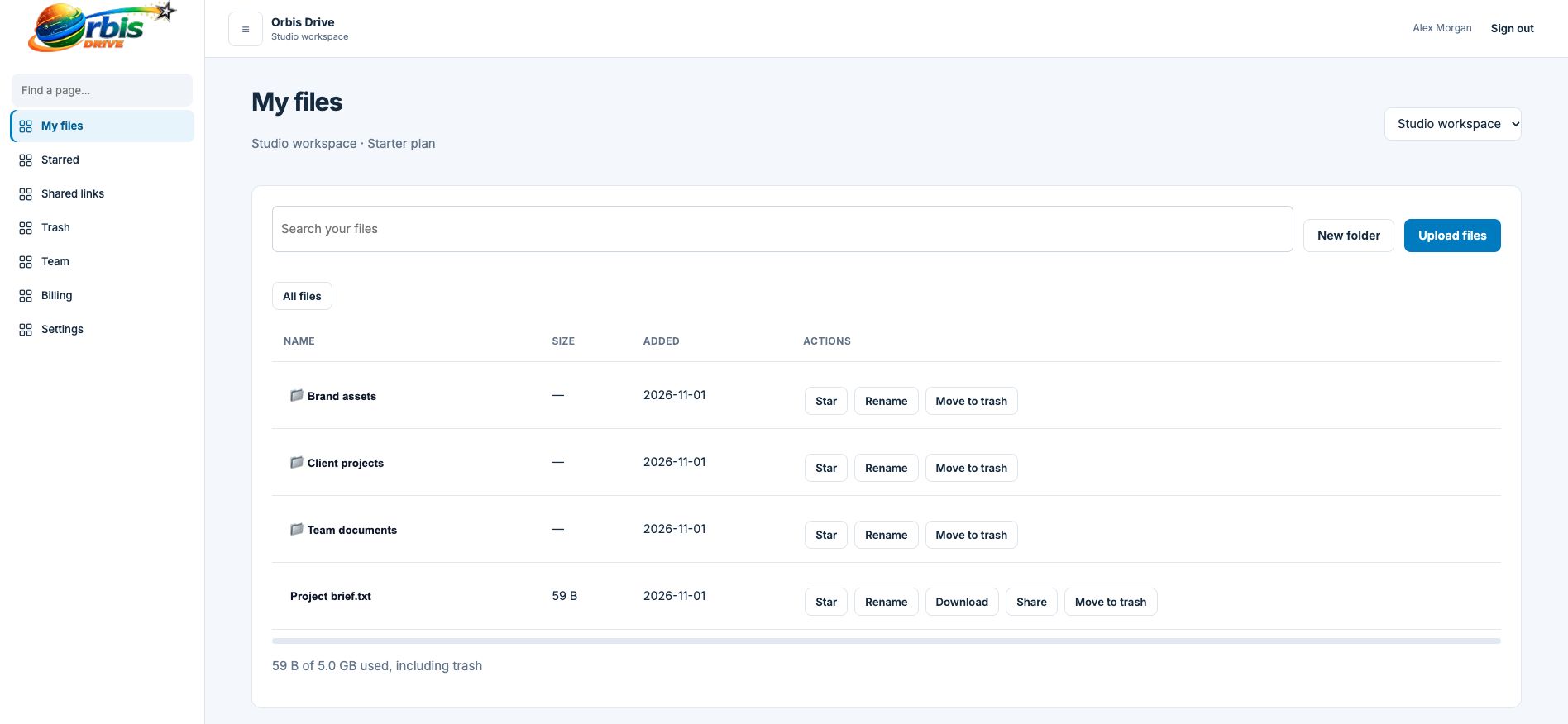


















Most file problems are really filing problems. If one person saves by customer and another by date, nobody can find anything without asking. A simple, agreed folder structure removes that daily friction, and it works best when it lives somewhere the whole team shares.
Pick one rule, such as customers, projects or departments, and use it for your top-level folders.
Use New folder from the toolbar. Folders can sit inside other folders as deep as your work requires.
Open a folder before you upload and new files land inside it. Breadcrumbs show exactly where you are.
Rename folders and files when a project moves on or a customer changes its name.
As deep as you like, though most teams find that two or three levels is easiest to live with.
Not in the current release. Access is set at workspace level, so use a separate workspace for documents that need a different audience.
Sharing links work for individual files. To give someone ongoing access to a folder, invite them to the workspace.
Type part of a filename and see matches from across your workspace, wherever in the folder structure they happen to sit.
Learn more →Star the documents you keep coming back to and open them from one short list, wherever they are stored.
Learn more →A good folder structure is short, predictable and written down. A practical approach for small teams.
Learn more →