See your storage at a glance
A simple meter shows what your workspace is using against its plan. One allowance, shared by the team, with no per-person pricing.
Learn more →
Deleted files and folders go to Trash and stay there for 30 days, so a slip of the finger does not have to become a lost document.
Get started free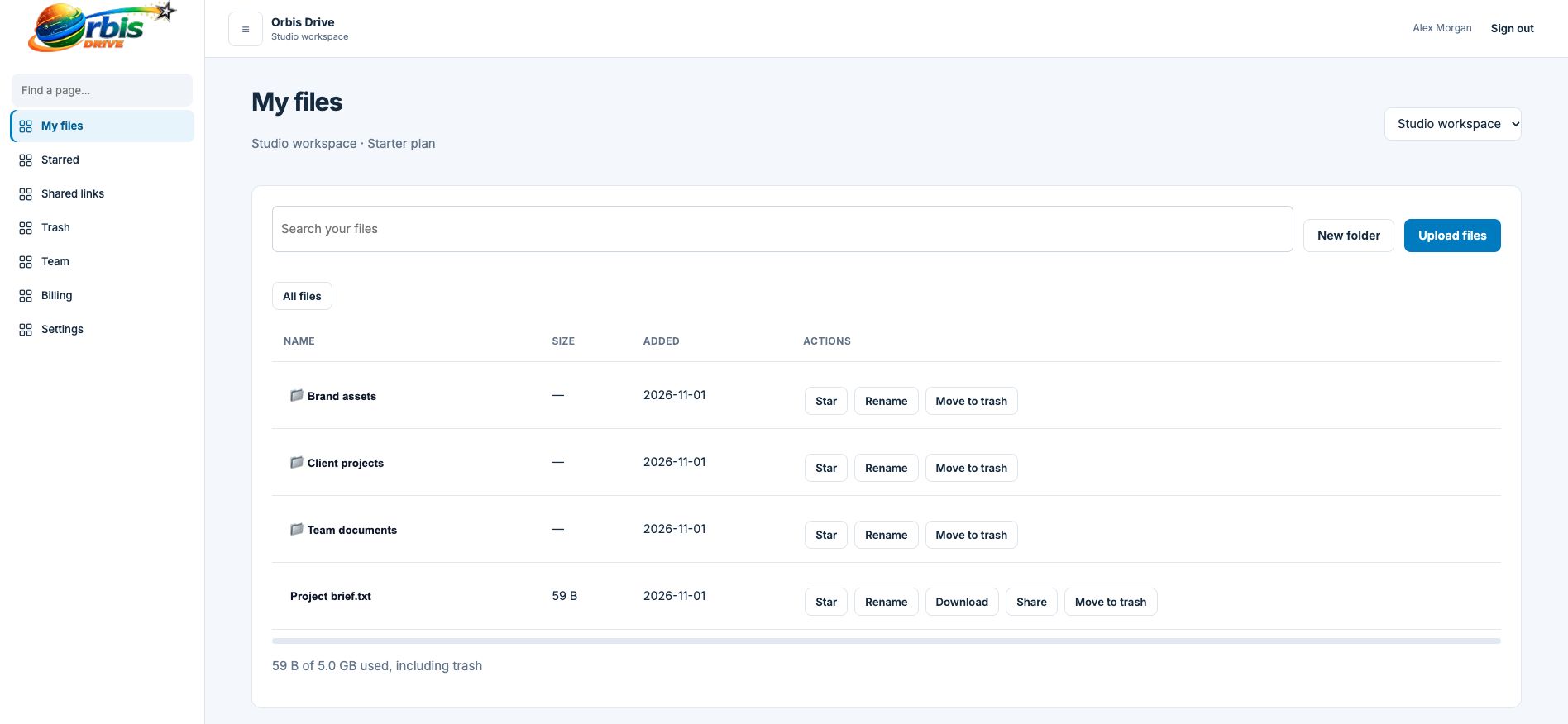


















Everybody deletes the wrong thing eventually, usually at the worst possible moment. Without a recovery window, that mistake means hunting through old emails or redoing the work. Trash gives the whole team a calm way to put things back.
Choose the delete action on a file or folder. Items inside a folder go with it.
Everything deleted in the last 30 days is listed in one place.
Restore returns the item. If its original folder has also gone, it comes back at the top level so it can never get lost.
After 30 days in Trash, items are permanently removed from storage.
30 days from the time it was deleted. After that it is permanently removed.
Yes, until the 30 days are over.
The current release does not keep version history. Keep important revisions as separate files with clear names.
A simple meter shows what your workspace is using against its plan. One allowance, shared by the team, with no per-person pricing.
Learn more →Key actions such as uploads, deletions, sharing, membership changes and billing events are recorded with the time and the account responsible.
Learn more →Build a folder structure that matches how your business runs, by project, customer or department, so everyone looks in the same place.
Learn more →