Links that end when the job does
Every sharing link has an end date. Choose anything from 1 to 30 days, so old links do not quietly stay live for years.
Learn more →
Send a link instead of an attachment. Choose how long it lasts, add a password if you need one, and revoke it when the job is done.
Get started free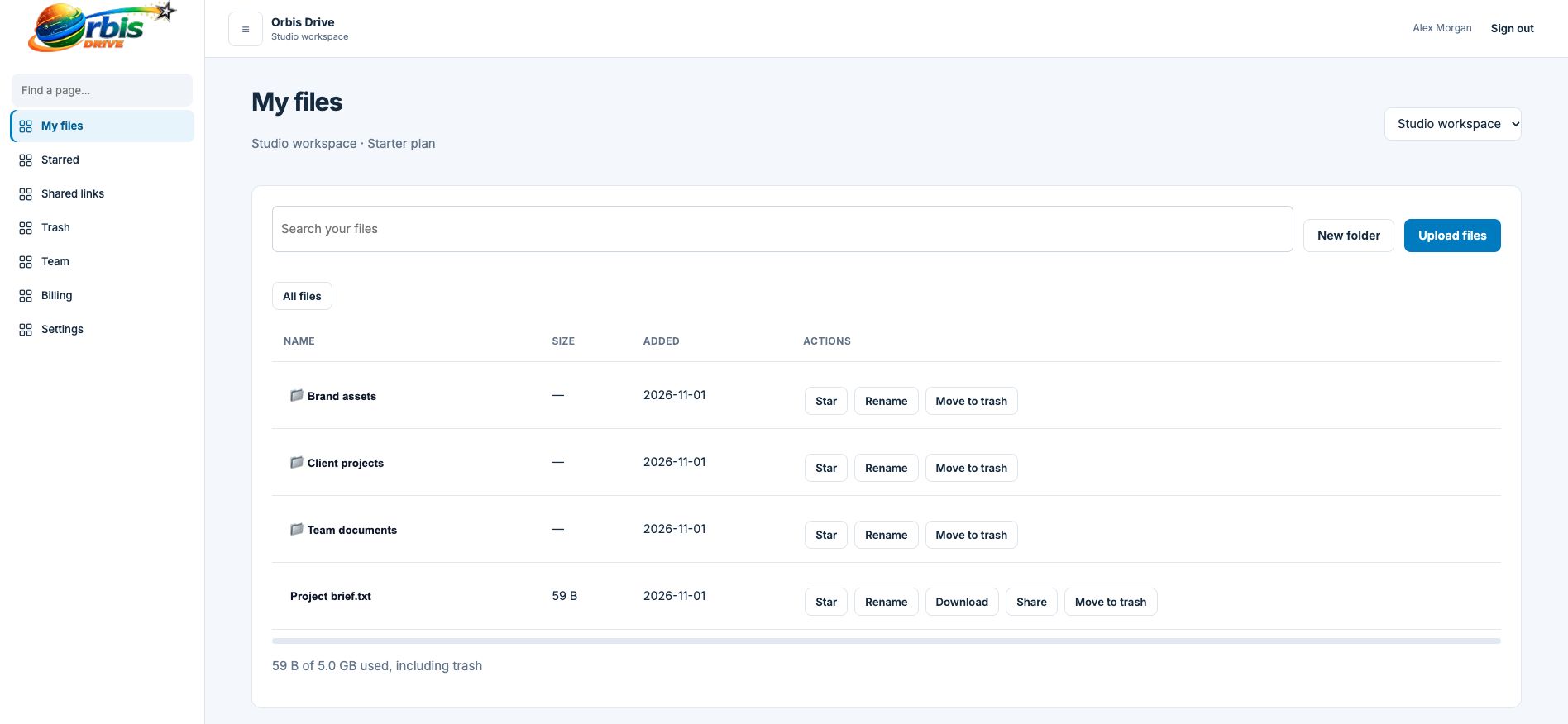


















Attachments bounce when they are too large, sit in inboxes forever and multiply into versions nobody can track. A sharing link keeps one file in one place. The recipient gets what they need without an account, and you decide when access ends.
Select Share next to any active file in your workspace.
Pick how many days the link should last, from 1 to 30, and add an optional password.
Copy it into your email or message. Send any password separately for extra protection.
All live links for the workspace are listed on the Shared links page, where you can turn off any of them.
No. They open the link and download the file. If you set a password, they will need that too.
For security we store only a protected fingerprint of each link, so copy it when it is created. If you lose it, revoke it and create a new one.
Links cover individual files. For a folder, invite the person to the workspace instead.
Every sharing link has an end date. Choose anything from 1 to 30 days, so old links do not quietly stay live for years.
Learn more →Sent it to the wrong person? Project finished early? See every live link in one place and switch off any of them straight away.
Learn more →Files up to 5 GB can go by link, with no account for the recipient and no separate transfer service to sign up for.
Learn more →