Make room for organised work
Build a folder structure that matches how your business runs, by project, customer or department, so everyone looks in the same place.
Learn more →
Upload files straight from your browser into private storage. No software to install, and your allowance is checked before anything transfers.
Get started free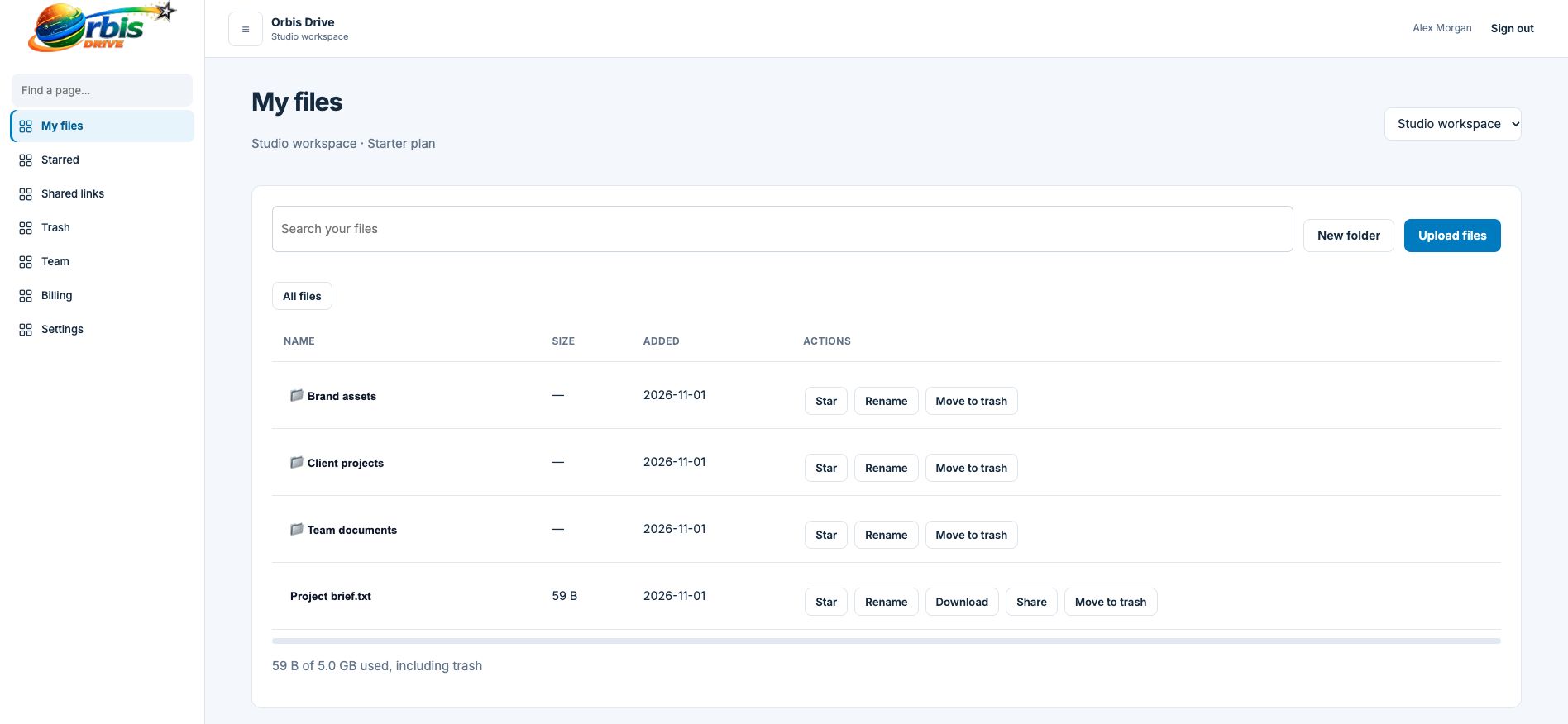


















Business files tend to end up everywhere: a laptop that might not get backed up, a shared inbox, a USB stick in a drawer, a chat thread nobody can scroll back through. When the person who holds the file is away, the work stops. Orbis Drive gives those files one home that the right people can reach from any modern browser.
Register with your name, a workspace name and a password of at least 12 characters, then verify your email address.
Select one file or several at once from the toolbar. There is nothing to install and no plug-in to approve.
Each file goes directly from your browser to private storage, and progress is shown as it travels.
Finished files appear with their name, size and date, ready to organise, star, share or download.
Each file can be up to 5 GB, on every plan. A larger plan gives you more total space but does not change the per-file limit.
You need to verify your email address first. If the message has not arrived, check your junk folder or use the resend button in your workspace.
The file is only marked as ready once we confirm that its full size arrived. Incomplete uploads never appear in your file list and are cleared away automatically, so you can simply try again.
Build a folder structure that matches how your business runs, by project, customer or department, so everyone looks in the same place.
Learn more →Download any file in your workspace from a modern browser. Access is checked first, then a short-lived secure link delivers the file.
Learn more →A simple meter shows what your workspace is using against its plan. One allowance, shared by the team, with no per-person pricing.
Learn more →